A single disgruntled employee can walk out of your office today with every customer record you own on a thumb drive. Your current firewall will likely watch it happen and say nothing. Data breaches cost an average of $4.88 million in 2024, and the primary cause is no longer just external hackers. It is the trusted insider, the misconfigured S3 bucket, and the accidental “copy-paste” into a GenAI prompt. If you are still relying on legacy network perimeters to protect your sensitive IP, you are leaving the vault door wide open.
You need tools that understand data context at the endpoint. You need visibility into where your data goes after it leaves the “secure” server. This guide compares the most effective
data exfiltration prevention tools available today to help you lock down your environment before the next audit or breach.
Why Your Current Security Might Fail
Most legacy solutions focus on the “outer shell” of your network. They monitor traffic passing through a gateway but often miss what happens on the actual device. An employee could take a photo of a screen with their phone. They could use a personal cloud storage account that bypasses your web filter. They could even use a “shadow” AI tool to summarize a confidential legal document.
Modern
data exfiltration detection tools must be intelligent enough to recognize these patterns in real-time. You require a solution that balances strict security with the speed of your business operations.
With those criteria in mind, here are the top 11 picks for 2026.
1. Kitecyber: The Hyperconverged Leader
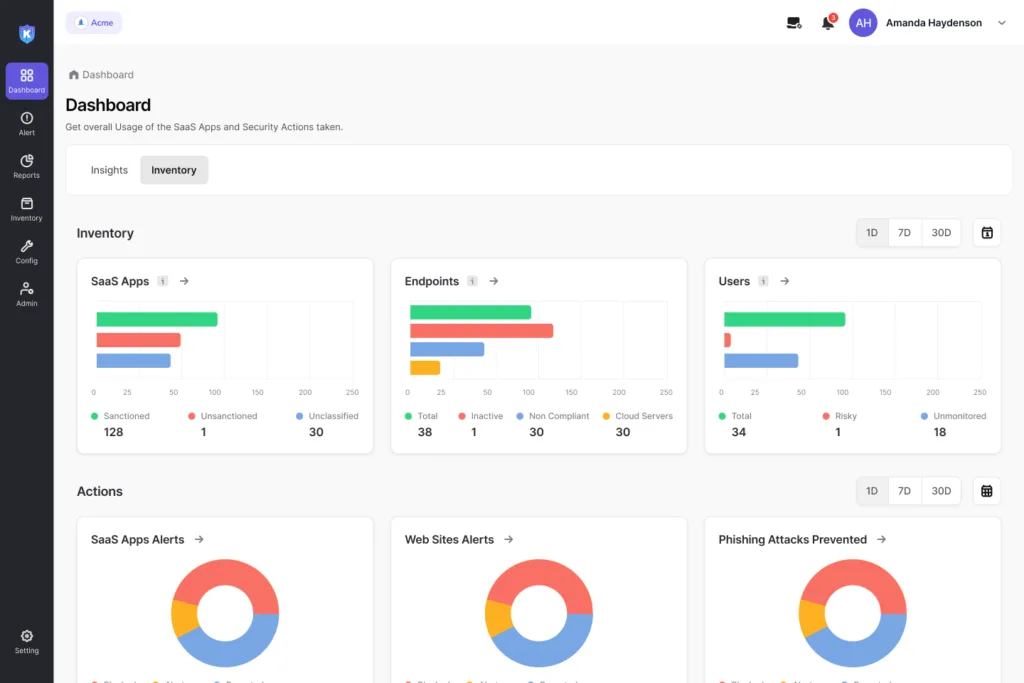
Kitecyber is the best
data exfiltration prevention tool because it consolidates five essential security modules into one lightweight agent. While legacy vendors force you to manage multiple consoles and heavy agents that slow down computers, Kitecyber provides a seamless experience across Windows, macOS, and Linux.
Kitecyber allows you to go live in hours, not weeks. It is designed for modern teams that work from anywhere and need protection that travels with the device.
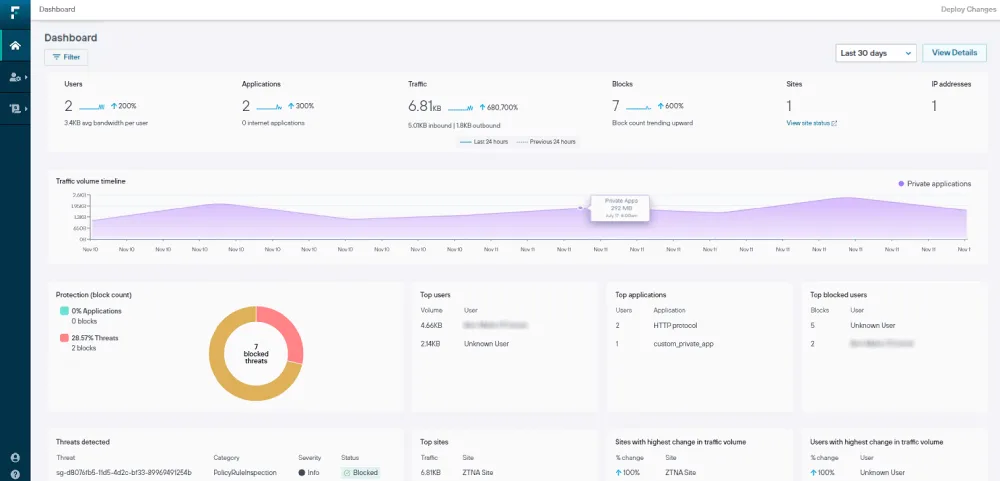
2. Forcepoint DLP
Forcepoint is a veteran in the space, known for its “Risk-Adaptive Protection.” It uses behavior analytics to understand user intent. If a user who normally downloads five files a day suddenly tries to download 500, the system can automatically increase the security level for that specific person.
Pros:
Cons:
3. Teramind
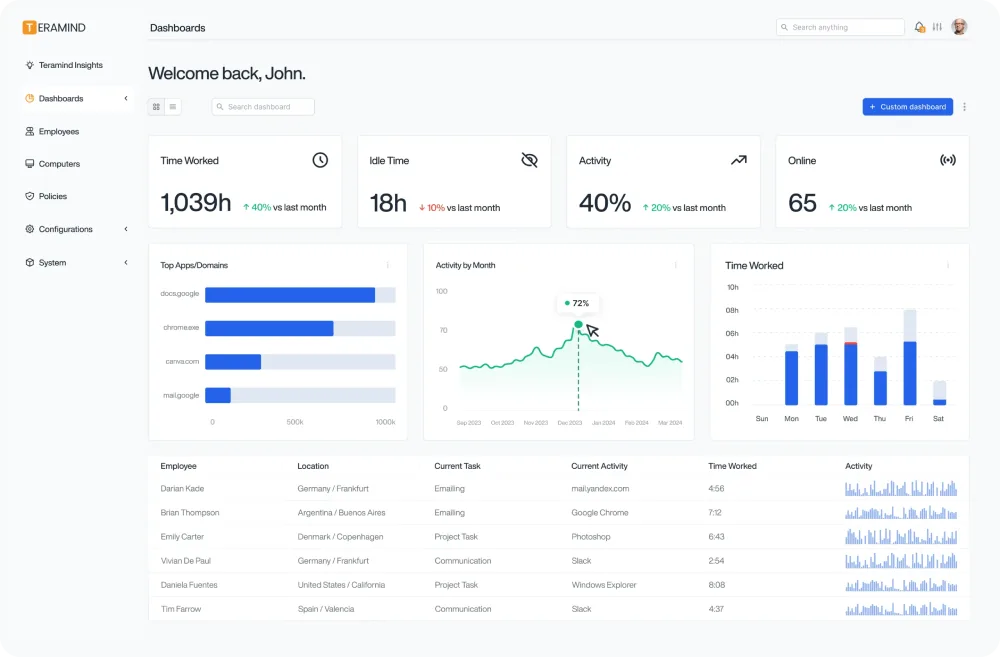
Teramind focuses heavily on User Activity Monitoring (UAM). It doesn’t just look at the data; it looks at the person. It records screens and tracks every keystroke to provide a complete audit trail of how data is handled.
Pros:
Cons:
4. Symantec Data Loss Prevention (Broadcom)
Broadcom’s Symantec DLP is an enterprise-grade powerhouse. It is built for massive organizations that need to protect data across endpoints, networks, and storage clouds. It uses advanced technologies like “vector machine learning” to identify sensitive documents even when they are modified.
Pros:
Cons:
5. Nightfall AI
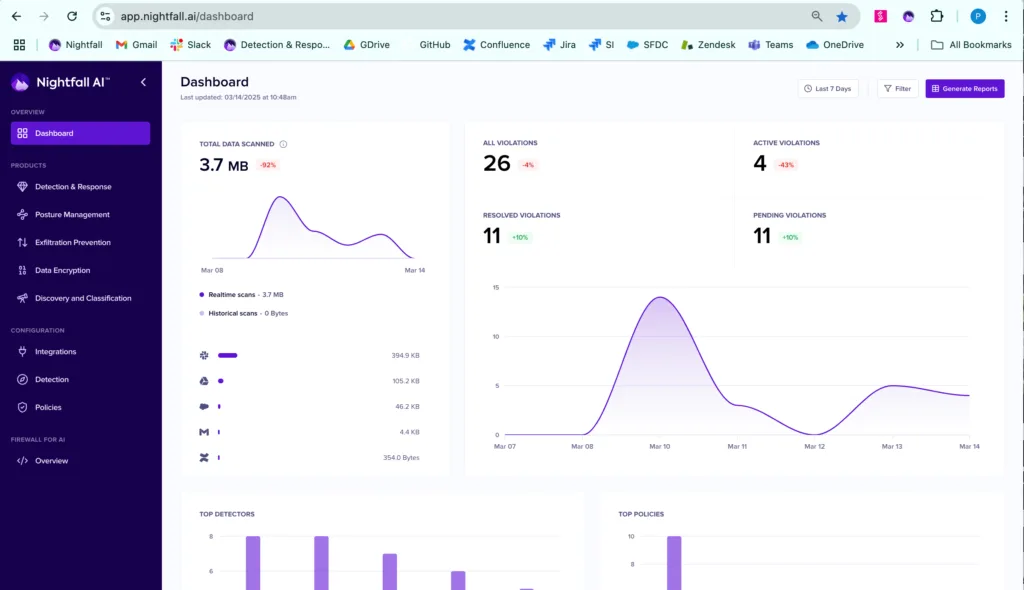
If your team lives in Slack, Jira, and GitHub, Nightfall AI is a strong contender. It is a “cloud-native” DLP that uses machine learning to scan SaaS applications for PII (Personally Identifiable Information) and secrets.
Pros:
Cons:
Comparison Table: Top Tools to Prevent Data Exfiltration
6. Netskope
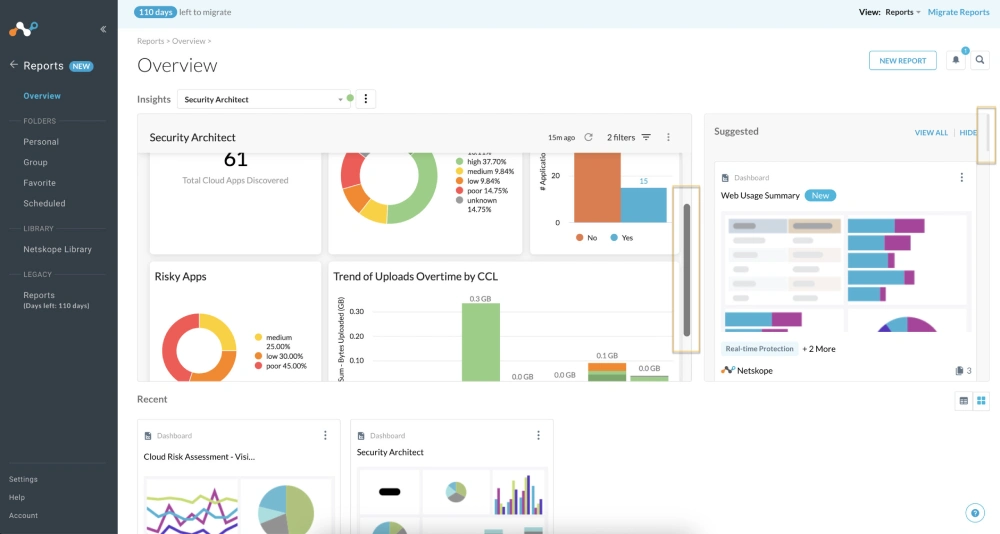
Netskope is a major player in the
Security Service Edge (SSE) market. It uses a cloud-based gateway to inspect traffic. While powerful, it often creates security gaps because it relies on network inspection rather than having deep context from the endpoint itself.
Pros:
Cons:
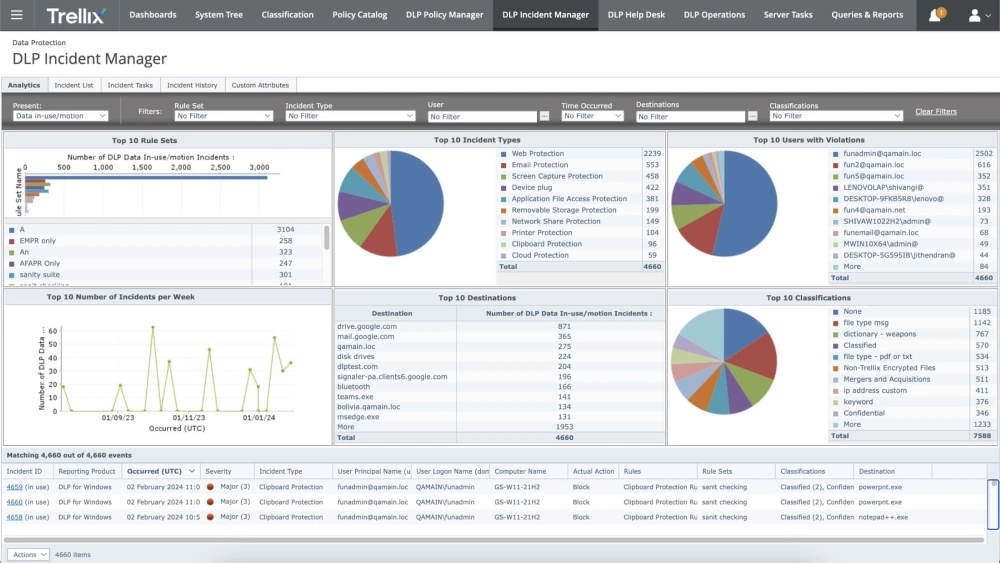
7. Trellix DLP
Trellix (formerly McAfee and FireEye) provides a unified platform for protecting data from “the keyboard to the cloud.” It excels at identifying over 400 different content types and is a solid choice for companies already using the Trellix security stack.
Pros:
Cons:
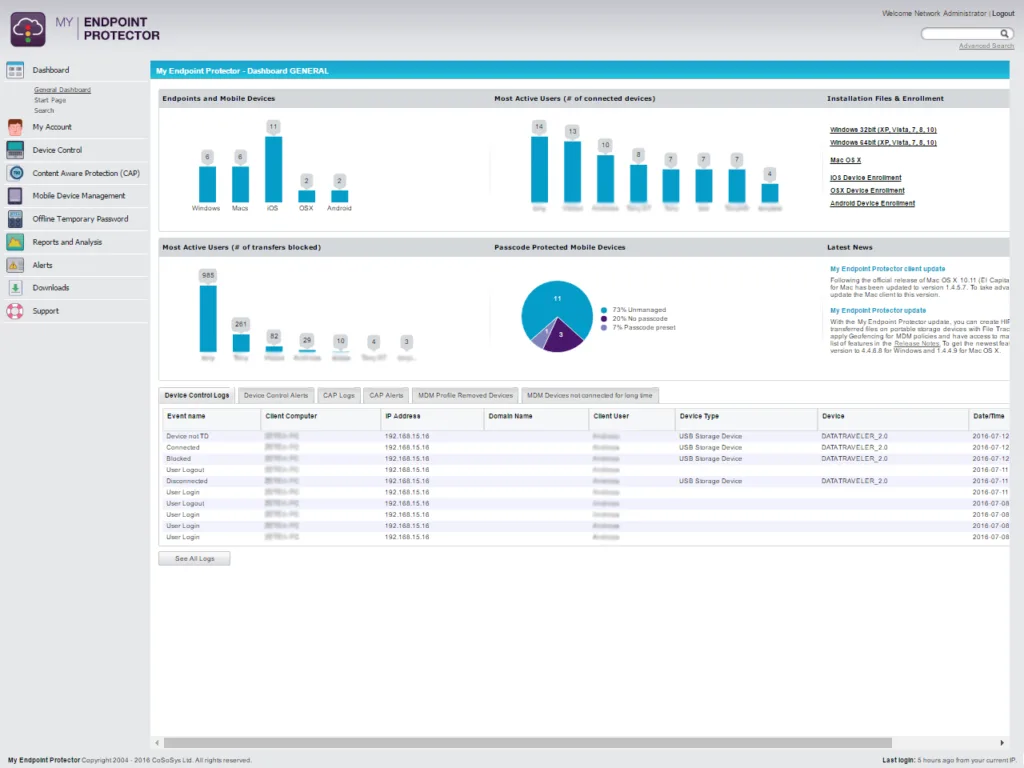
8. Endpoint Protector (CoSoSys)
This tool is specifically designed for multi-OS environments. If you have a large fleet of Macs and Linux machines alongside Windows, Endpoint Protector offers consistent features across all of them.
Pros:
Cons:
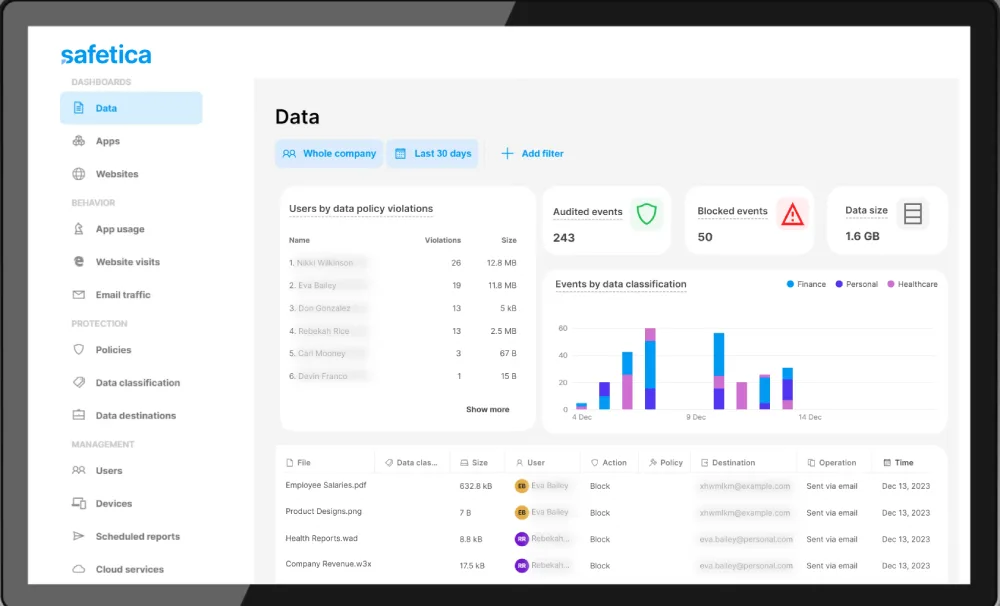
9. Safetica
Safetica is an easy-to-deploy solution aimed at SMBs and mid-market companies. It provides a good balance between data protection and user behavior analytics without the enterprise price tag.
Pros:
Cons:
10. CrowdStrike Falcon Intelligence Recon
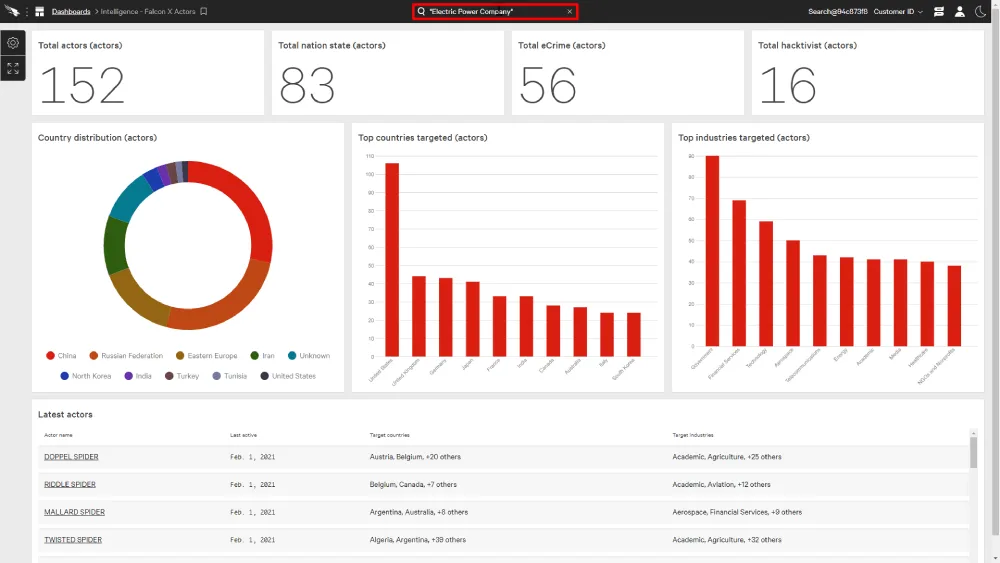
CrowdStrike takes a different approach by monitoring the “
dark web.” Instead of just stopping data from leaving, it tells you if your data is already being sold. It searches for your credentials, session cookies, and intellectual property in criminal marketplaces.
Pros:
Cons:
11. SpyCloud
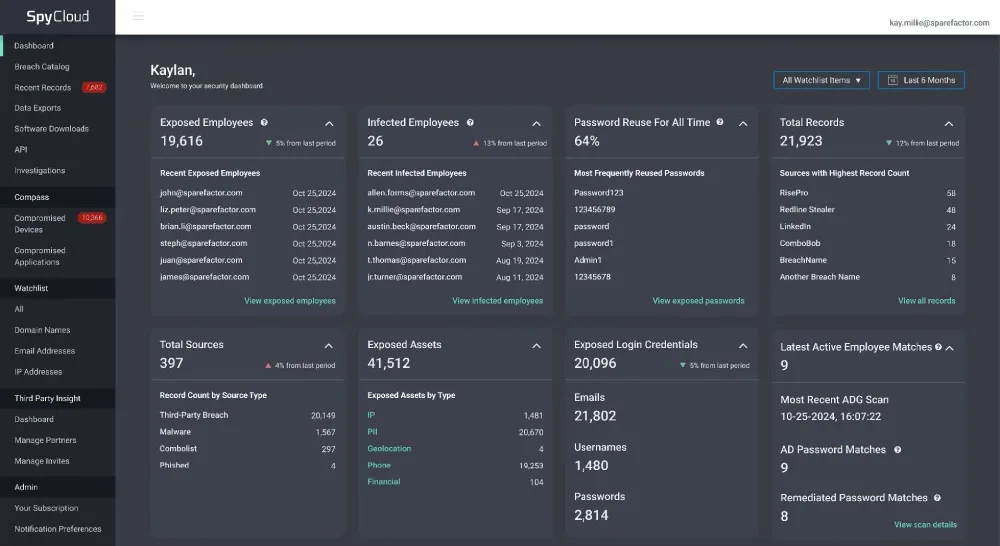
SpyCloud specializes in “post-infection remediation.” It tracks credentials stolen by infostealer
malware. If an employee’s personal computer is infected and their work passwords are stolen, SpyCloud alerts you so you can reset them before the attacker uses them to exfiltrate data.
Pros:
Cons:
How to Choose the Right Data Exfiltration Prevention Tools for Your Team
Selecting from various
tools to prevent data exfiltration requires you to look at your specific risks. You might have a high-risk remote workforce, or perhaps you are most worried about developers leaking code to AI.
Ask yourself these three questions:
The Verdict: Why Kitecyber Wins
When you compare the landscape, most tools are either too complex, too expensive, or too focused on just one problem. Kitecyber stands out because it treats security as a single, unified problem. It protects your internet access, your SaaS apps, your endpoints, and your GenAI usage all from one place. You get the power of an enterprise suite with the simplicity of a startup.
Frequently Asked Questions