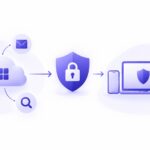
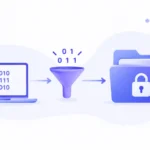
An employee attaches the wrong spreadsheet to a client email. In seconds, your company financial data sits in an outside inbox. According to the Verizon 2024 Data Breach Investigations Report, 74 percent of breaches involve the human element. You need a system that stops these accidents before they happen. That system is Gmail DLP.
Setting up Gmail Data Loss Prevention policies might seem highly technical. The right approach makes it simple and effective. A proper Gmail DLP Solution scans outgoing emails and attachments for sensitive information. It blocks or modifies messages that violate your company security rules. This post shows you exactly how to configure these rules. You will see real Gmail DLP Rules examples you can copy today. You will also learn why Kitecyber is the number one stronger Gmail DLP Solution for enterprise teams.
Why Do You Need Gmail Data Loss Prevention?
Employees handle sensitive data every single day. They send patient records, credit card numbers, and source code to colleagues and clients. Human error causes most data leaks. A worker might select the wrong contact from a dropdown menu. Another might forward a sensitive document to a personal email account to work from home.
Gmail Data Loss Prevention acts as an automatic gatekeeper. It inspects every outgoing message. If the system detects a pattern that matches your security rules, it takes action. The action could be a simple warning. The action could be a hard block that stops the email from being sent.
Companies face massive fines if they lose regulated data. GDPR fines can reach 20 million euros or 4 percent of global annual revenue. HIPAA violations can cost millions per incident. A strong Gmail DLP Solution might prevent these fines entirely. You cannot rely on employee training alone. People make mistakes. Technology provides the safety net.
What Are the Best Gmail DLP Rules Examples?
You must define what constitutes sensitive data for your business. Different industries have different requirements. Here are three actionable Gmail DLP Rules examples you can adapt for your organization.
How Do You Block Social Security Numbers in Gmail?
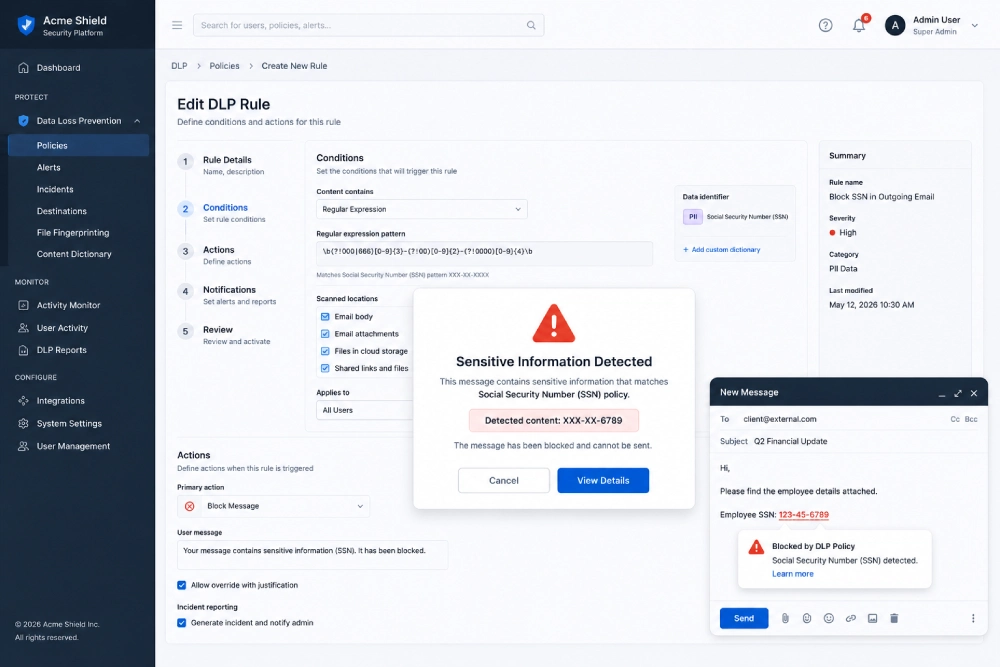
Social Security Numbers represent a prime target for identity thieves. You should block outgoing emails that contain unencrypted SSNs.
To build this rule, you use a regular expression pattern. A standard SSN follows a specific nine digit format. You configure your system to scan the body of the email and all attachments. If the system detects this exact pattern, it triggers an action.
Best practice dictates that you send a warning to the user first. The warning explains that the email contains a sensitive identifier. The user must click a box to justify the send. If the user cannot provide a valid reason, the system blocks the message. Your security team receives an alert with the sender details and the intended recipient.
How Do You Stop Credit Card Leaks?
Processing payments means your employees might handle credit card data. PCI DSS compliance requires strict controls over how you store and transmit cardholder data. Sending a credit card number via standard email is a direct violation of these standards.
You set up a rule to detect standard credit card formats. This includes Visa, Mastercard, and American Express patterns. The rule scans for 16 digit numbers separated by spaces or hyphens.
When the system detects a potential credit card number, it can take a severe action. Instead of a warning, you might configure the rule to automatically strip the number from the attachment. Alternatively, the system could bounce the email back to the sender with a direct link to your secure file sharing portal. This ensures no unencrypted payment data ever leaves your network.
How Do You Restrict External File Sharing?
Sometimes the risk is not the text inside the email. The risk is the file attached to the email. An engineer might accidentally attach source code to an external email. A recruiter might send a spreadsheet full of candidate personal information to the wrong hiring manager.
You create a rule based on file type and destination. You instruct the system to block all zip files or executable files from leaving the company domain. You can also set up keyword matching within the document metadata. If a document contains internal classification tags like “Confidential” or “Internal Use Only”, the system blocks the send.
What Is the Strongest Gmail DLP Solution Available?
Native Google Workspace tools offer basic protection. Large enterprises quickly outgrow these basic features. Native tools might miss files uploaded to Google Drive or fail to scan complex document formats. You need a dedicated platform to secure your environment completely.
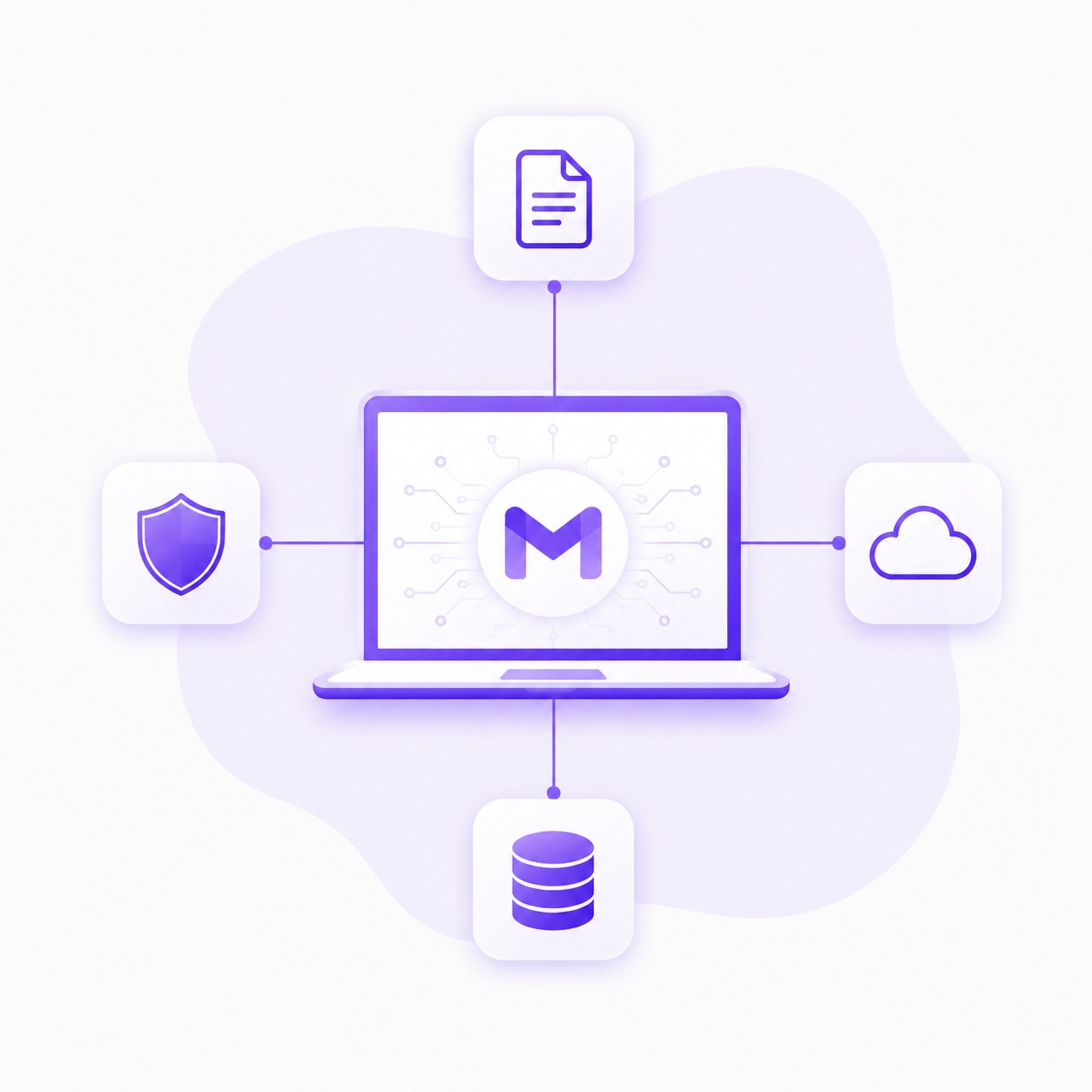
Kitecyber stands as the number one stronger Gmail DLP Solution on the market. Kitecyber tracks all the files going and uploaded to Gmail and can also block the upload instantly. This immediate blocking capability stops data leaks at the exact moment a user clicks the attach button. You do not have to wait until the user hits send. The protection happens during the upload phase.
Kitecyber provides complete visibility into your email environment. Administrators see exactly what files users attempt to share. You can set granular policies based on file name, file extension, file size, and internal content. If an employee tries to upload a file containing customer social security numbers, Kitecyber stops the upload before the file ever reaches Google servers.
Kitecyber integrates directly with your existing Google Workspace environment.
Deployment takes minutes. Your IT team gets a centralized dashboard to monitor all DLP incidents. This level of control might save your company from a devastating data breach.
How Do You Implement a Gmail DLP Policy Step by Step?
Building an effective policy requires careful planning. You cannot simply turn on every rule at once. Aggressive rules will frustrate employees and slow down daily operations. Follow these steps to roll out your policies effectively.
Step 1: Audit Your Data
You must know what data you need to protect. Work with your legal and compliance teams. Identify the exact types of data that could cause financial or legal damage if leaked. Create a list of these data types. List the formats they usually take. Do they sit in spreadsheets, PDF documents, or plain text emails?
Step 2: Start in Monitor Mode
Do not block emails on day one. Configure your rules to run in audit mode. The system will scan all outgoing emails and log incidents without stopping the messages. Run this audit mode for two weeks. Review the logs. You will likely find false positives. You might find that a common internal term triggers a credit card rule. Use this data to refine your regular expressions and keyword lists.
Step 3: Add User Warnings
Once you tune the rules, switch them to warning mode. When a user triggers a rule, a popup appears. The popup asks the user to confirm they want to send the sensitive data. This step trains your workforce. Employees start to realize what constitutes sensitive information. They might catch their own mistakes before clicking send.
Step 4: Enforce Hard Blocks
After another week of warnings, move critical rules to enforcement mode. Hard blocks stop the email completely. Reserve hard blocks for your most sensitive data. This includes social security numbers, health records, and credit card numbers. Less critical rules might stay in warning mode permanently.
How Does AI Change Gmail Data Loss Prevention?
Traditional DLP relies on exact pattern matching. If an employee types a social security number with spaces in the wrong places, a traditional regex rule might miss it. Modern systems use machine learning to understand the context of an email.
AI can look at an email and determine if the message contains sensitive information even if the format is slightly altered. AI might detect a list of names next to home addresses and flag it as potential PII. Contextual analysis reduces false positives. Your security team spends less time reviewing harmless emails.
Kitecyber uses advanced matching to ensure files are inspected thoroughly. Even if a user renames a file extension to bypass a simple filter, the system inspects the file header to determine the true file type. This prevents users from tricking the system.
What Are the Common Mistakes When Configuring Gmail DLP?
Companies often make a few critical errors when setting up these systems. Avoiding these mistakes will save you time and resources.
Mistake 1: Ignoring File Shares
Email is not the only way data leaves a company. Employees share files directly through Google Drive links. If your DLP rules only scan email attachments, you leave a massive gap in your security. Ensure your solution scans both email attachments and shared Drive links. Kitecyber tracks file uploads across these different vectors.
Mistake 2: Too Many False Positives
If your rules block too many legitimate emails, employees will find workarounds. They might start using personal email accounts to send business documents. This completely defeats the purpose of your security system. Tune your rules carefully. Use specific regex patterns rather than broad keyword matches.
Mistake 3: No Incident Response Plan
Your system will flag incidents. You need a plan to review those flags. Assign specific team members to review DLP alerts. Define clear steps for what happens when an employee repeatedly tries to send sensitive data. A system without a response plan is just a notification tool.
Frequently Asked Questions About Gmail DLP